Managing Open Exchange Positions While Traveling
Staying on top of risk when you're not at your desk
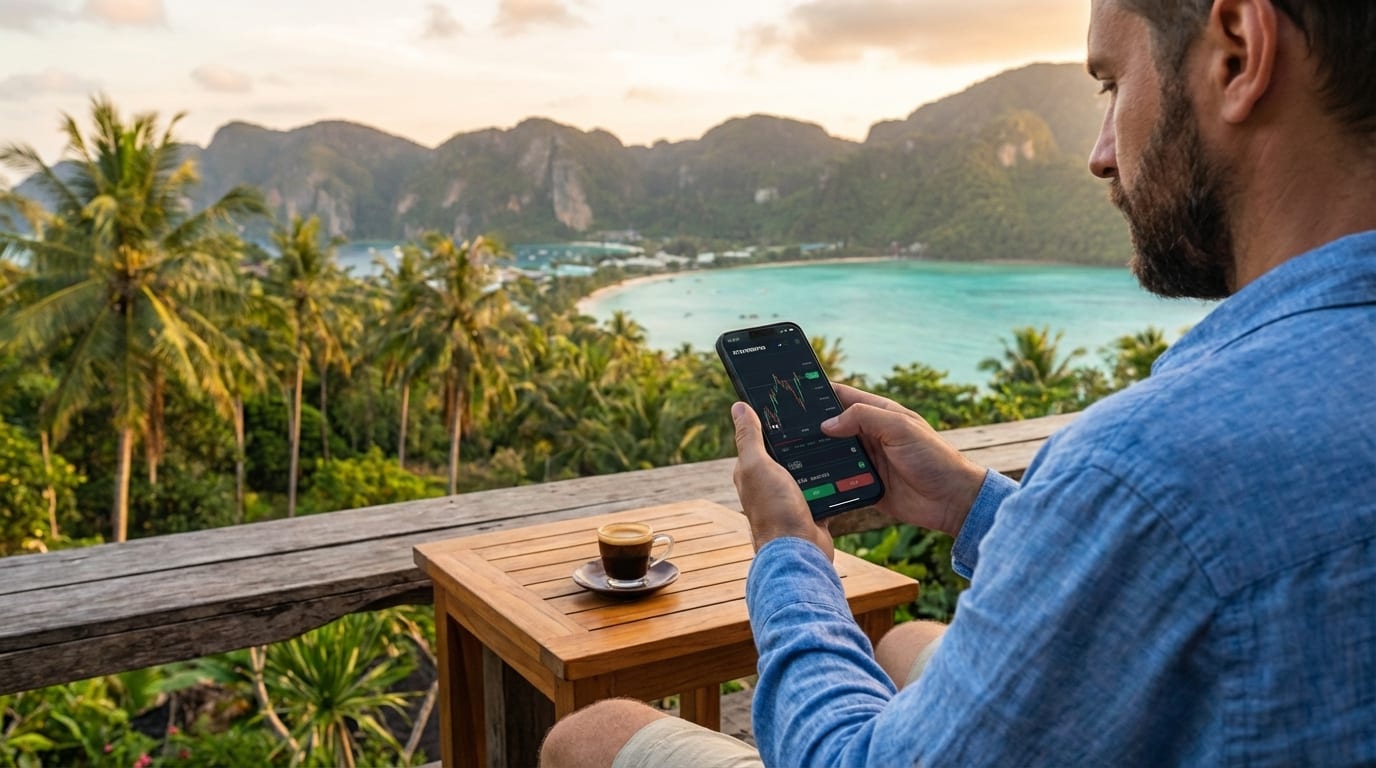
Why it’s different on the road
At home you might have a stable connection, a big screen, and a routine. When you’re traveling, time zones shift, Wi‑Fi is inconsistent, and you’re often on a phone. With open futures or margin positions, that means:
- You can’t always “check later.” Liquidation and margin calls don’t wait for a good connection.
- Exchange websites may be blocked in some countries, so “I’ll log in when I have wifi” isn’t enough if the site never loads.
- Stress multiplies when you need to close or adjust a position and you’re not sure you’ll get through.
Having at least one reliable way to view and manage positions from your phone—without depending on the exchange’s own website—is part of risk management.
The VPN route: what you gain and what you pay
Many traders consider a VPN when their exchange is blocked abroad. It can work, but it comes with real trade-offs.
What VPNs fix
A VPN routes your traffic through a server in another country. If the exchange only blocks by IP or region, connecting through a “allowed” country can unblock the site. So in theory you get access from anywhere.
Drawbacks that matter when you’re traveling
- Free VPNs are not safe for trading. Do not use free VPNs anywhere you enter login details or financial credentials. Many log traffic, sell data, or inject ads. For exchange access, use a reputable paid VPN or—better—a method that doesn’t require a VPN at all.
- Other services get fussy. Banks, email, and 2FA apps often flag or block logins from VPN IPs. You may have to turn the VPN off to receive a code or use online banking, then turn it back on for the exchange—awkward when you’re in a hurry.
- Dropouts at the worst time. VPNs disconnect. If it drops mid-login or mid-trade, you can end up logged out, with an order half-submitted, or staring at a timeout. On weak hotel or mobile Wi‑Fi, dropouts are more common.
- Slower connection. Your traffic goes: you → VPN server → exchange. Extra hop and shared VPN bandwidth mean more latency and slower page loads. When the market moves fast, every second counts.
- Cost. Reliable VPNs are usually paid (often $5–15/month). It’s not huge, but it’s another subscription and another thing to manage.
None of this means VPNs are “bad”—they’re a valid tool. But for the narrow job of “access my exchange from this country,” they add complexity, latency, and failure points.
One reliable method: Gategram in Telegram
If your goal is to check positions, move stop-losses, or close trades from your phone without depending on the exchange website or a VPN, Gategram is built for exactly that. It’s a mini app that runs inside Telegram and connects to your Gate.io account via API—so it never loads the exchange’s site from your device. Wherever Telegram works, you can open Gategram and see your open positions with live PnL, close at market or limit, and edit take-profit and stop-loss on each position. No VPN, no dropouts, no extra subscription: one app you already have (Telegram), one tap to trade.
The app is built to be lightweight so it loads quickly on slow or unstable Wi‑Fi and uses little data—important when you’re roaming or on hotel networks. Your API keys are stored encrypted on Gategram’s servers with no withdrawal permission; your funds stay on Gate.io and the key can only place and manage futures trades. Before a trip, add your Gate.io keys in Gategram’s settings and test it once from your phone. Then you have a single, tested way to manage positions from the road. Open Gategram in Telegram to set it up.
Tips that apply either way
- Set or tighten take-profit and stop-loss before you go, so you’re less dependent on real-time access.
- Consider smaller size when you know your access might be patchy.
- Use price alerts (exchange or third-party) so you’re notified when action is needed.
- Have one method you’ve already tested from a phone—whether that’s the exchange app, a VPN, or a lightweight trading app—so you’re not debugging on the road.